


Your design stays yours
Start from a PNG or JPG you already have. There is no need to replace a design you have already paid for.
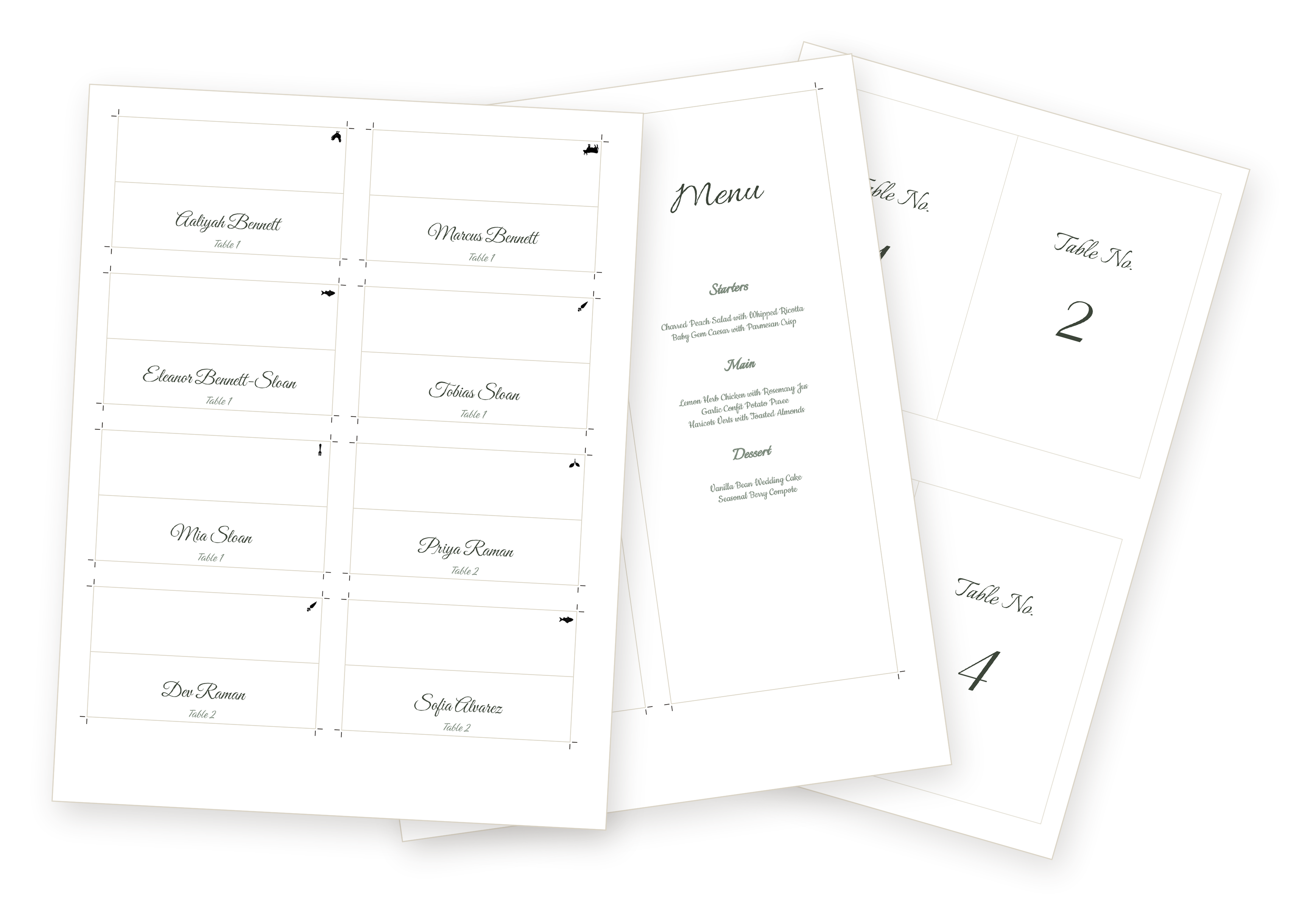
Wedding stationery maker
Choose a piece, a style, and a palette. Then continue in Maker with your starting point already set.
Start with one piece, then add any others you need whenever you’re ready.
Free preview · No signup · Print-ready PDF
What’s included when you purchase a stationery piece
When you unlock one stationery piece, you get:
How it works
Bring your own design
Bought a Canva or Etsy template? Working with a designer? Upload the artwork you already chose, then use your guest list to make the personalized version instead of laying out every name by hand.
Start with your own designStart from a PNG or JPG you already have. There is no need to replace a design you have already paid for.
Turn that design into guest-specific, print-ready files without rebuilding the same layout for every change.
Only upload artwork you own or are licensed to use.
Yes. Make your stationery, review every detail, and download a watermarked proof PDF for free. Pay only when you want the full print-ready files.
A paid unlock includes every design and layout for that stationery piece, the option to use your own artwork, and unlimited print-ready exports whenever your details change. It is a one-time purchase, not a subscription.
Yes. Unlock only the piece you need, or choose a bundle if you want several coordinated pieces.
Yes. Upload an eligible PNG or JPG and use it as the artwork for your stationery. Only upload designs you own or are licensed to use.
Your work is saved in this browser on this device. Do not clear its browser data while you are still working. If the data is lost, purchase access can be recovered with your checkout email and Creem order ID, but your saved project cannot be recovered.
Yes. Change names, tables, or other details and create unlimited print-ready exports for any stationery piece you have already unlocked, without purchasing it again.
You can download a watermarked proof PDF before paying. A paid unlock provides digital print-ready PDFs; WedPapers does not print or ship physical stationery.
Contact [email protected] with your checkout email, order ID if available, browser, and a short description of the problem. We can review purchase access, duplicate charges, and technical export issues.
Print-ready when you are
Start with the piece you need today. Try the directions that feel right, then export when you are ready.